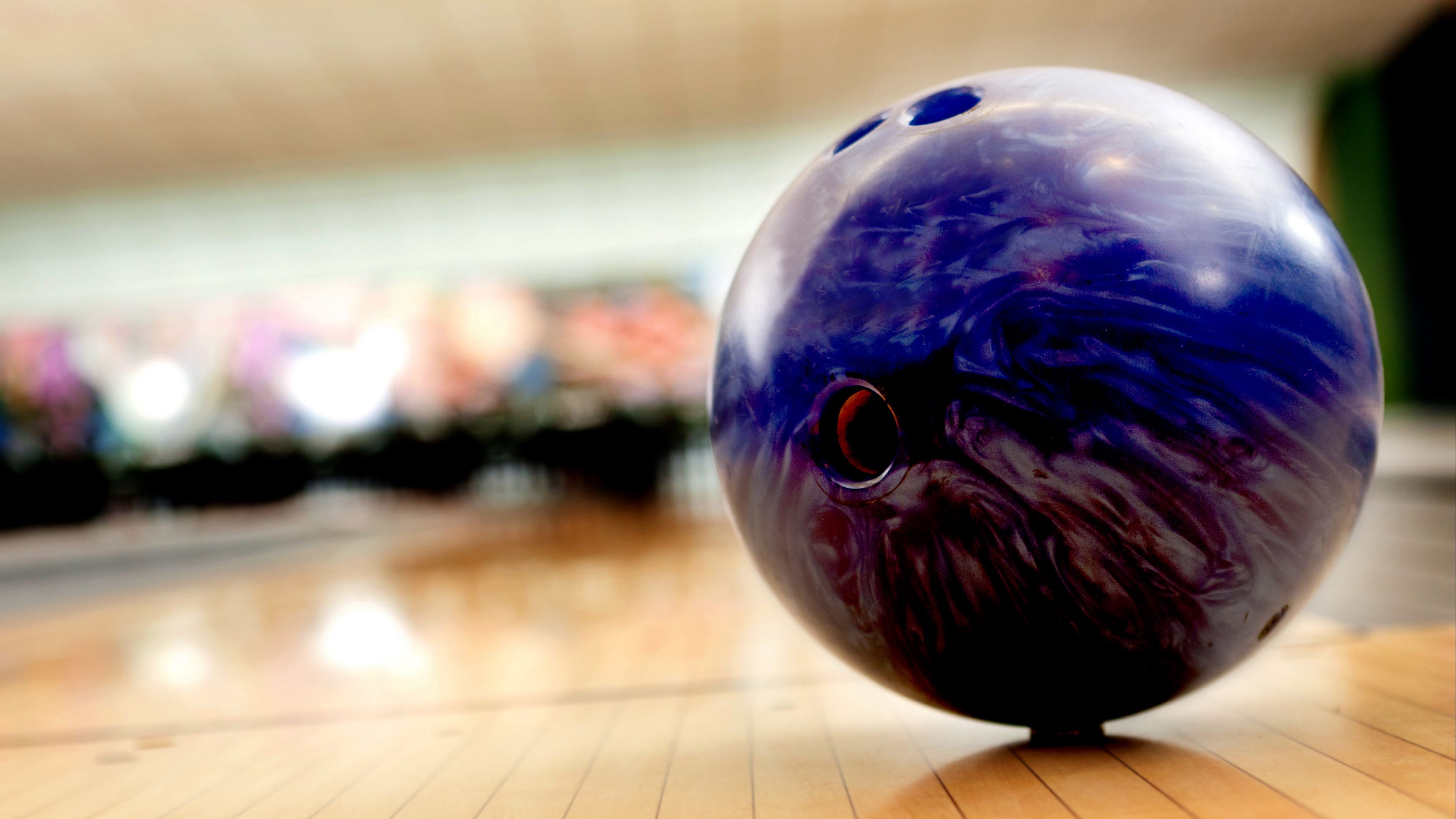
Bowling Ball Blurred Background HD & 4K Wallpaper (3840x2160)
Bowling Ball Blurred Background Wallpaper 4K HD Free Download
Capture the intensity of the lane with this dynamic Bowling Ball Blurred Background Wallpaper in ultra-clear 4K HD resolution. Featuring a sharply focused bowling ball rolling forward with a smooth motion blur behind it, this wallpaper perfectly represents speed, precision, and competitive energy.
The detailed texture of the bowling ball surface, glossy reflections, and visible finger holes stand out against the softly blurred bowling alley lights and polished wooden lane. The depth-of-field effect creates a dramatic sense of movement, making the ball appear as if it's moments away from striking the pins.
Optimized for Full HD, 2K, and 4K displays, this high-resolution sports wallpaper delivers crisp detail and balanced contrast across desktops, laptops, tablets, and smartphones. The dark tones and glowing lane reflections create a bold yet clean background that keeps your icons clearly visible.
Download this free Bowling Ball Blurred Background 4K wallpaper today and bring the thrill of bowling action to your screen. Perfect for bowling enthusiasts, sports fans, and anyone who loves energetic, motion-inspired backgrounds.
Download Wallpaper