Tunnel Building Backlight HD & 4K Wallpaper (3840x2160)
Tunnel Building Backlight Wallpaper - Dramatic Light & Architecture
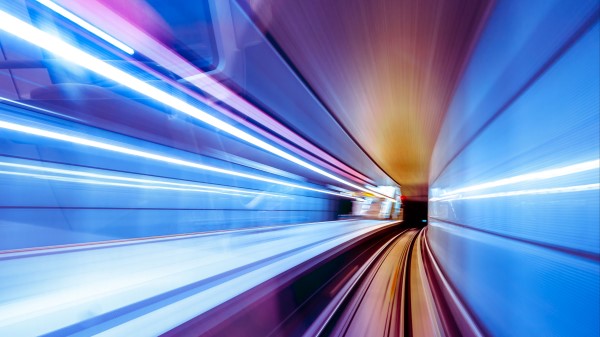
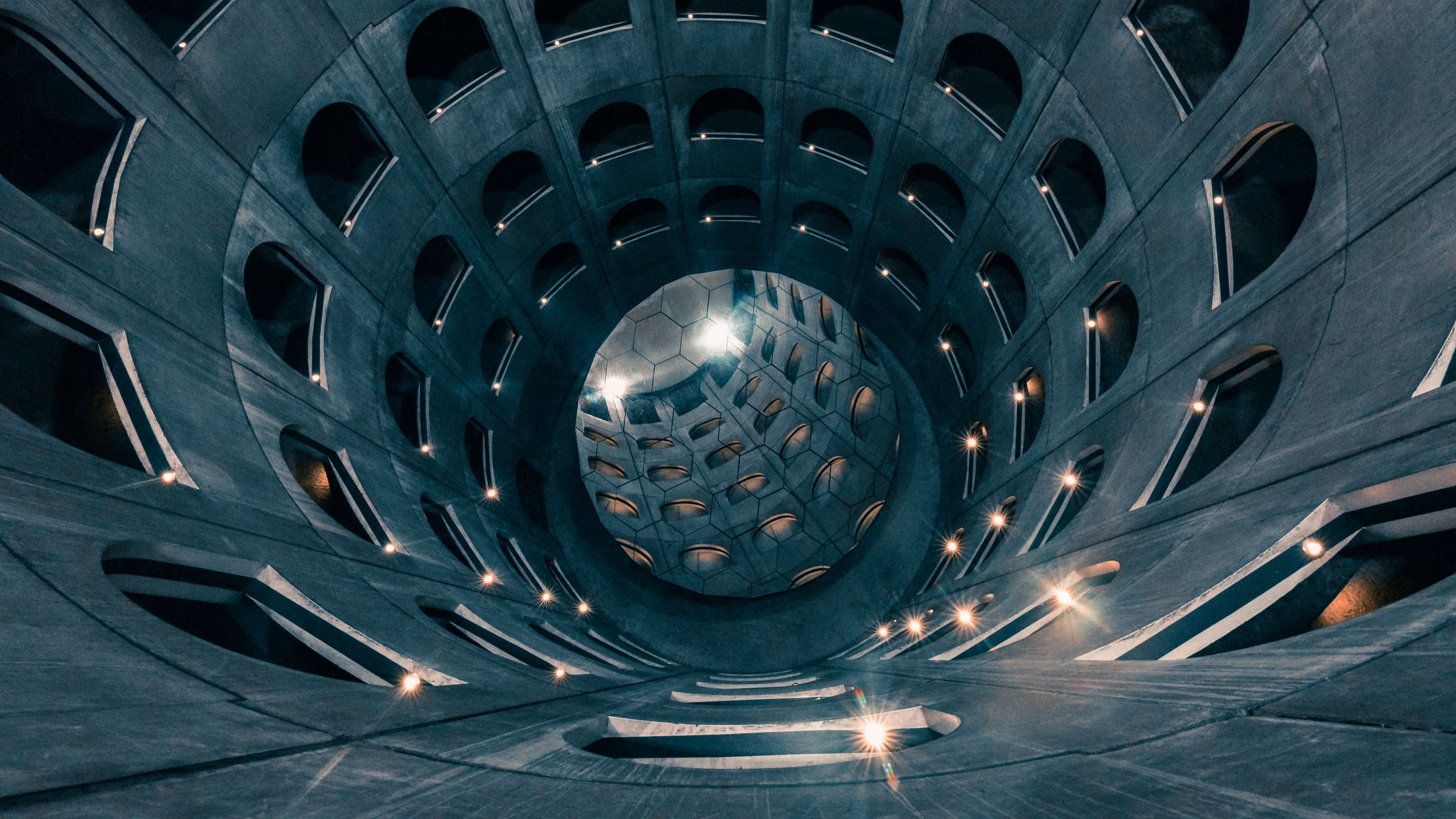
Create a bold and cinematic look on your screen with the Tunnel Building Backlight Wallpaper. This HD and 4K background captures a tunnel framing a building illuminated by powerful backlight. The contrast between shadowed foreground structures and bright light in the distance produces a striking silhouette effect, perfect for desktops, laptops, and mobile devices.
Backlit Silhouettes & Urban Depth
The wallpaper emphasizes architectural lines and structural symmetry, with the tunnel acting as a natural frame around the building beyond. The intense backlighting enhances depth and perspective, drawing the viewer's eye toward the glowing exit. Dark tones combined with radiant highlights create a dramatic, modern aesthetic that suits fans of urban photography, minimalist compositions, and high-contrast imagery.
Available in Ultra HD 4K (3840x2160) resolution, this tunnel building backlight wallpaper ensures crisp detail and balanced contrast across desktops, laptops, tablets, and smartphones. Download it free and elevate your display with a powerful architectural background that celebrates light, shadow, and bold urban design.
Download Wallpaper